
case study · Hospitality
A flexible case study, block by block
A demo of the new case-study template. Title and subtitle live up top; below, text, images and galleries can be arranged in any order — with a call to action wherever it fits best.
The challenge
The property wanted a guest experience that felt effortless without adding hardware or staff workload. Their goals were simple:
- Put concierge, dining and FAQs on every guest's phone
- Serve inbound guests in their own language
- Let the team update content themselves in minutes
This first section is plain rich text — it supports bold, bullet points and sub-headings, so you can write as much narrative as you need.
Results at a glance
Guests self-serve the routine questions.
Inbound guests served in their own language.
Runs in the browser on the guest's own phone.
Always-on concierge and messaging.
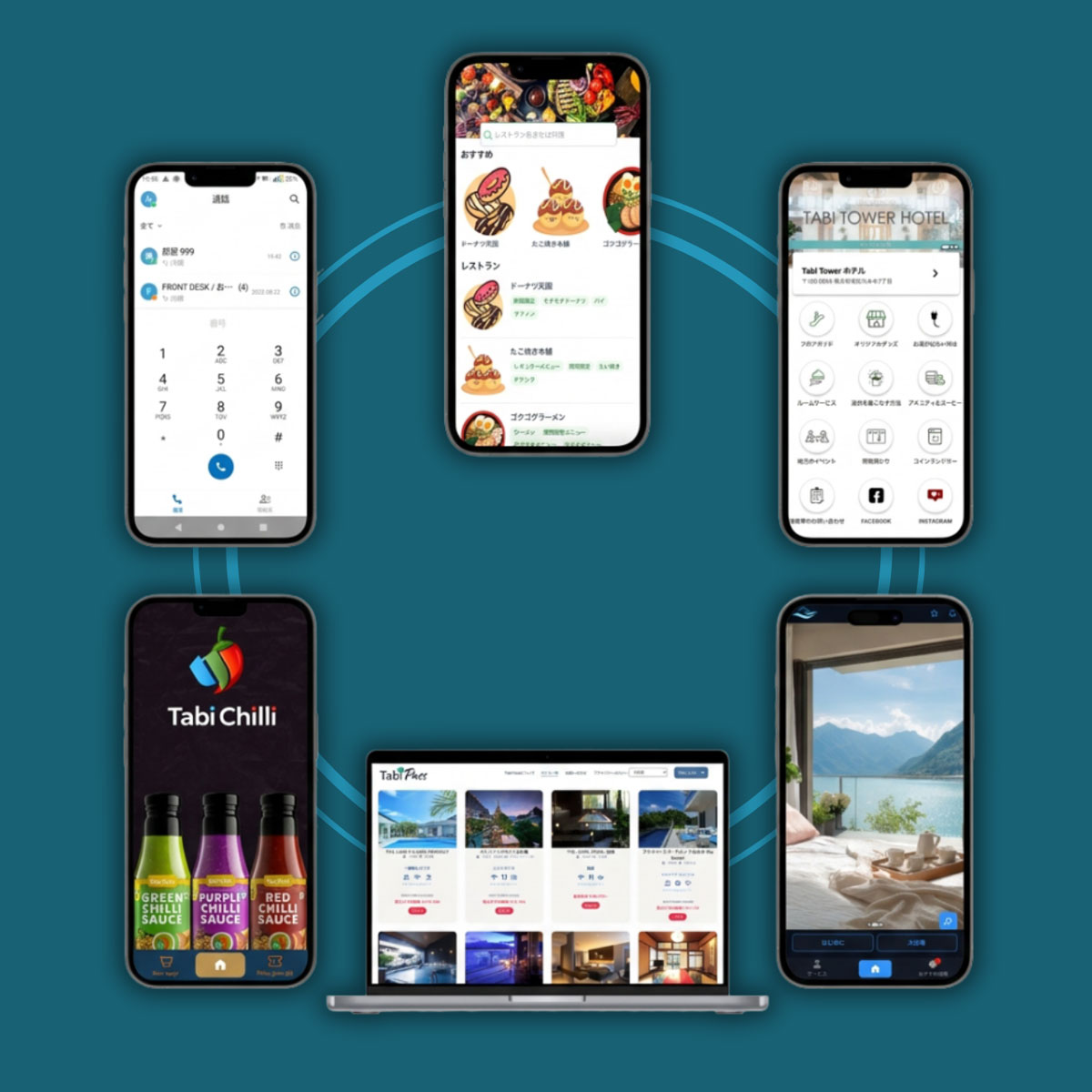
How it came together
After the lead image above, we drop straight back into text. Editors add blocks in any order, so the page reads like a story rather than a fixed form.
A smaller sub-heading
Sub-headings (like this one) help break long sections into scannable parts.
Gallery
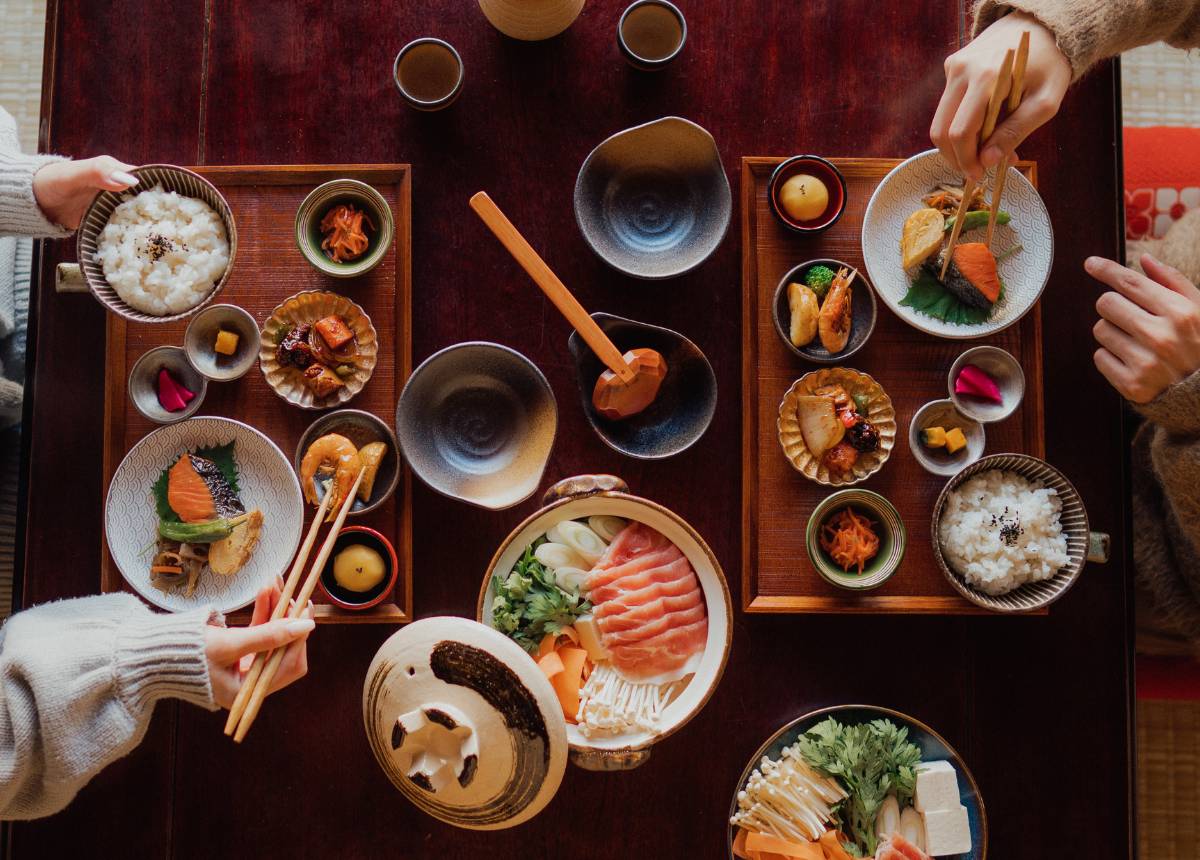


The gallery above arranges images in a responsive grid. Add two images for a side-by-side, or several for a grid — it adapts automatically.
interactive demo
Try the guest experience
Frequently asked questions
Do guests need to download an app?
No. Guests open the guide on their own smartphone by scanning a QR code — no app, no sign-up.
How many languages are supported?
Four — Japanese, English, Korean and Chinese, switched automatically.
How long did implementation take?
About four weeks, from content prep to launch.
Want a page like this?
Add a case study in the CMS and arrange these blocks however you like.